

Similar Posts
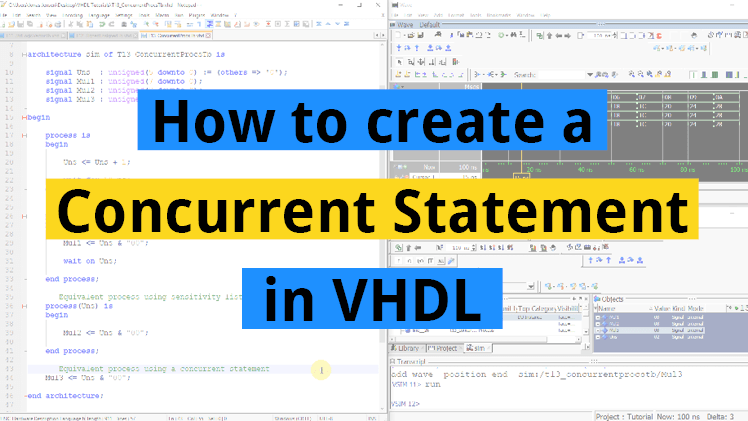
How to create a concurrent statement in VHDL
A concurrent statement in VHDL is a signal assignment within the architecture, but outside of a normal process construct. The concurrent statement is also referred to as a concurrent assignment or concurrent process. When you create a concurrent statement, you are actually creating a process with certain, clearly defined characteristics. Concurrent statements are always equivalent…
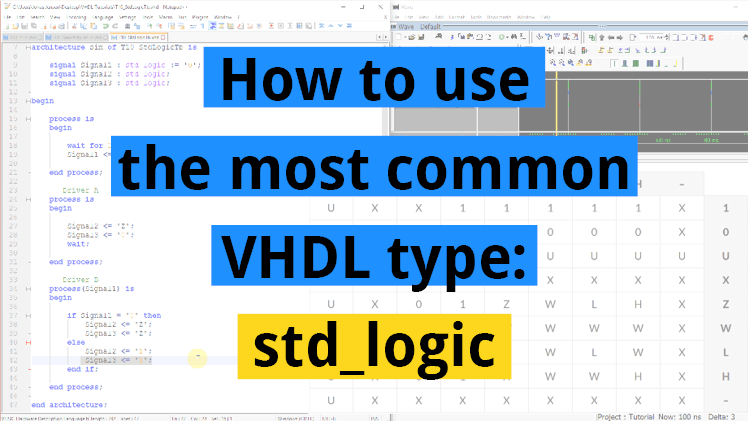
How to use the most common VHDL type: std_logic
The most common type used in VHDL is the std_logic. Think of this type as a single bit, the digital information carried by a single physical wire. The std_logic gives us a more fine-grained control over the resources in our design than the integer type, which we have been using in the previous tutorials. Normally,…
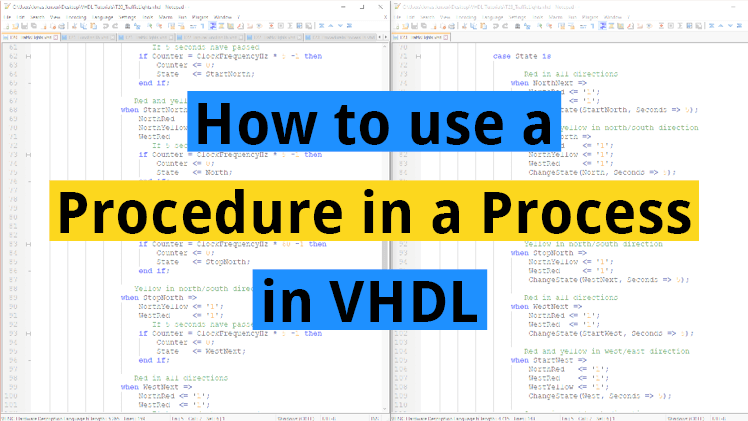
How to use a procedure in a process in VHDL
It is possible to drive external signals from a procedure. As long as the signal is within the scope of the procedure, it can be accessed for reading or writing, even if it isn’t listed in the parameter list. Procedures that are declared in the declarative region of the architecture, cannot drive any external signals….
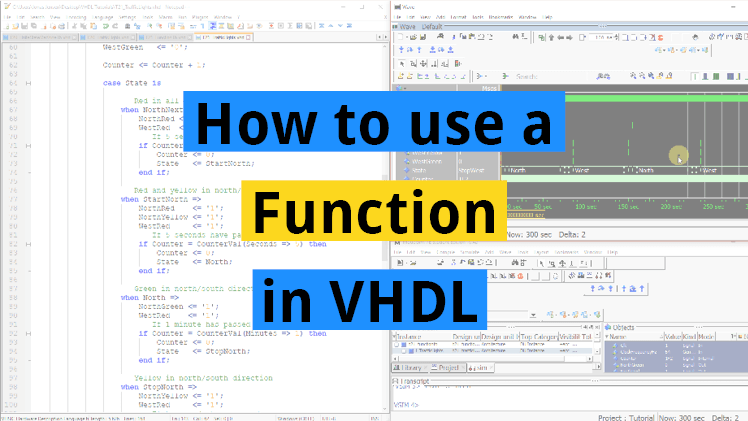
How to use a function in VHDL
Functions are subprograms in VHDL which can be used for implementing frequently used algorithms. A function takes zero or more input values, and it always returns a value. In addition to the return value, what sets a function apart from a procedure, is that it cannot contain Wait-statements. This means that functions always consume zero…
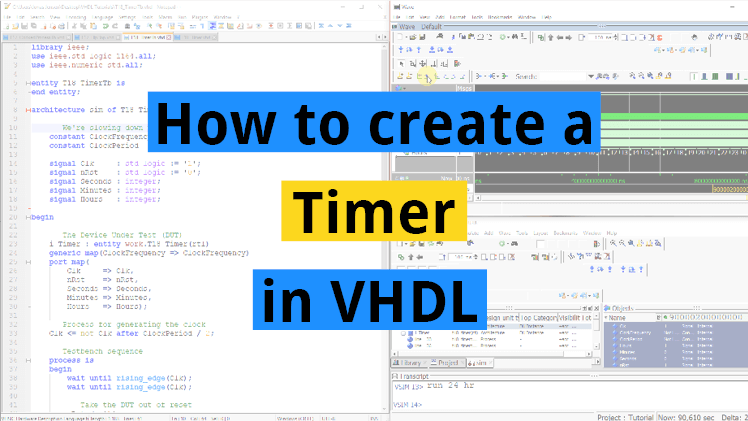
How to create a timer in VHDL
In earlier tutorials we have used the wait for statement to delay time in simulation. But what about production modules? The wait for statement cannot be used for that. That only works in simulation because we can’t just tell the electrons in a circuit to pause for a given time. So how can we keep…
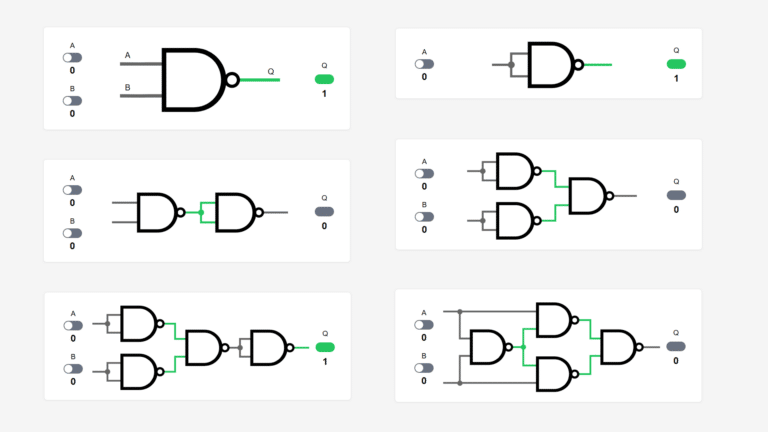
NAND logic gates interactive demo
We can construct any other digital logic gate using only NAND gates as building blocks. This is why NAND is known as a universal gate. NAND logic is widely used as the foundation for designing digital circuits in modern integrated chips. Actually, NOR is also a universal gate, but NAND logic is more prevalent than…

Though those two codes are logically equivalent, the right one infers a transparent latch, it shouldn’t be used for synthesis.
I don’t think it does, but I’m not 100% sure what the synthesis tools do all the time.
This will infer a latch:
process(InSig) is
begin
    if InSig = '0' then
        OutSig <= '1';
    end if;
end process;
This shouldn’t create any latches:
process(InSig) is
begin
    OutSig <= '0';
    if InSig = '0' then
        OutSig <= '1';
    end if;
end process;
A link to the question:
https://vhdlwhiz.com/wp-content/uploads/2017/09/quiz_part-2-q6.png
Hi sir, You designed this course very well and advanced. I am happy to recommend this course to my friends.
I’m glad you enjoyed it! And thanks for taking the time to leave a nice comment.